


Landing pages hosted on your domain, built by drag and drop or AI
Start from one of ten templates, design in the visual editor or describe the page in plain English, then host it on your connected domain with SSL and no separate web host. Pair a page with a QR code or short link for print campaigns. Included on every plan, with a 14-day free trial and no credit card.
AI-Powered Page Editing
Describe the changes you want in plain English and let AI handle the rest. Upload reference images for design inspiration, add contact forms, pricing tables, or update styling — all through natural language prompts. No design skills needed.
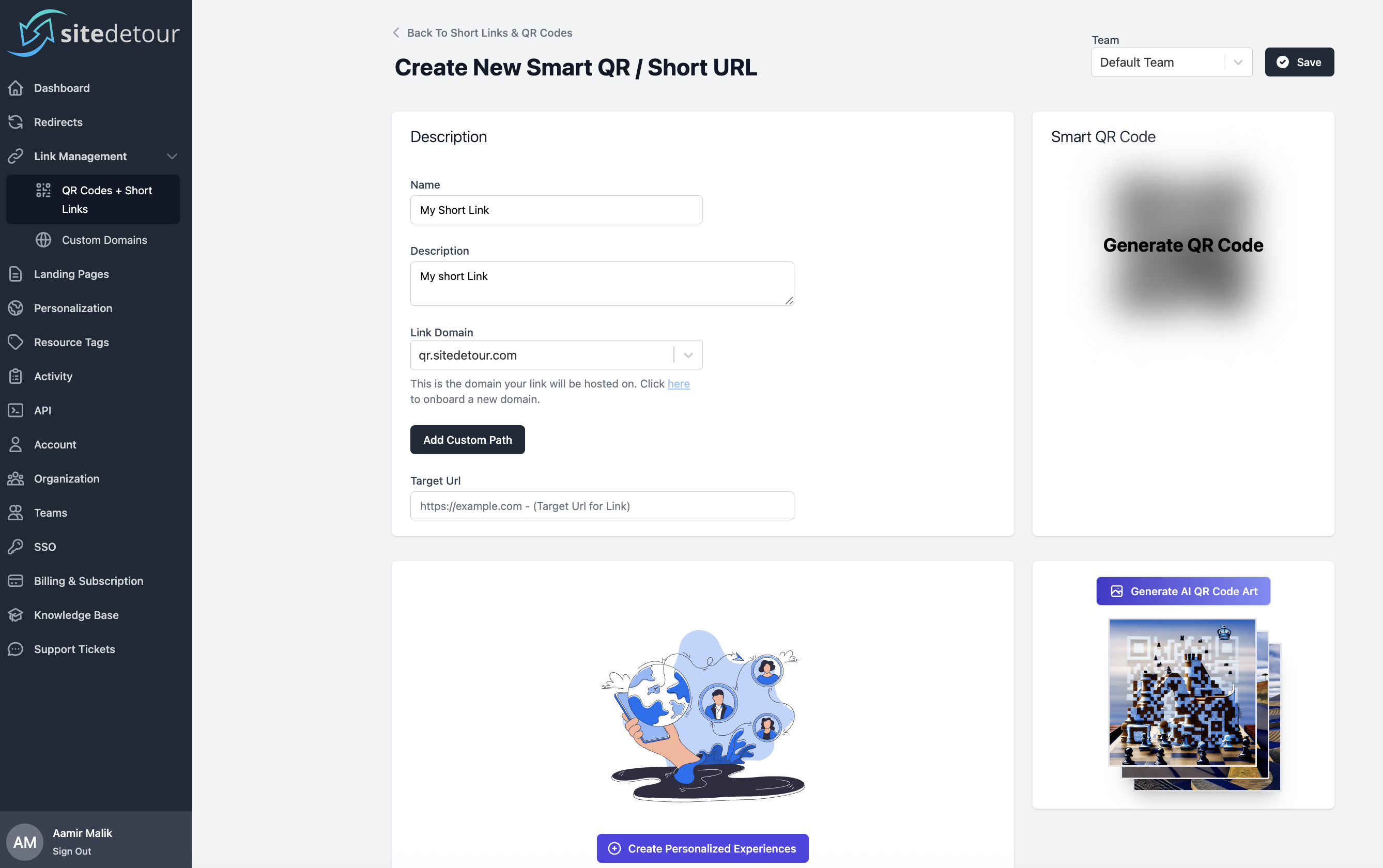
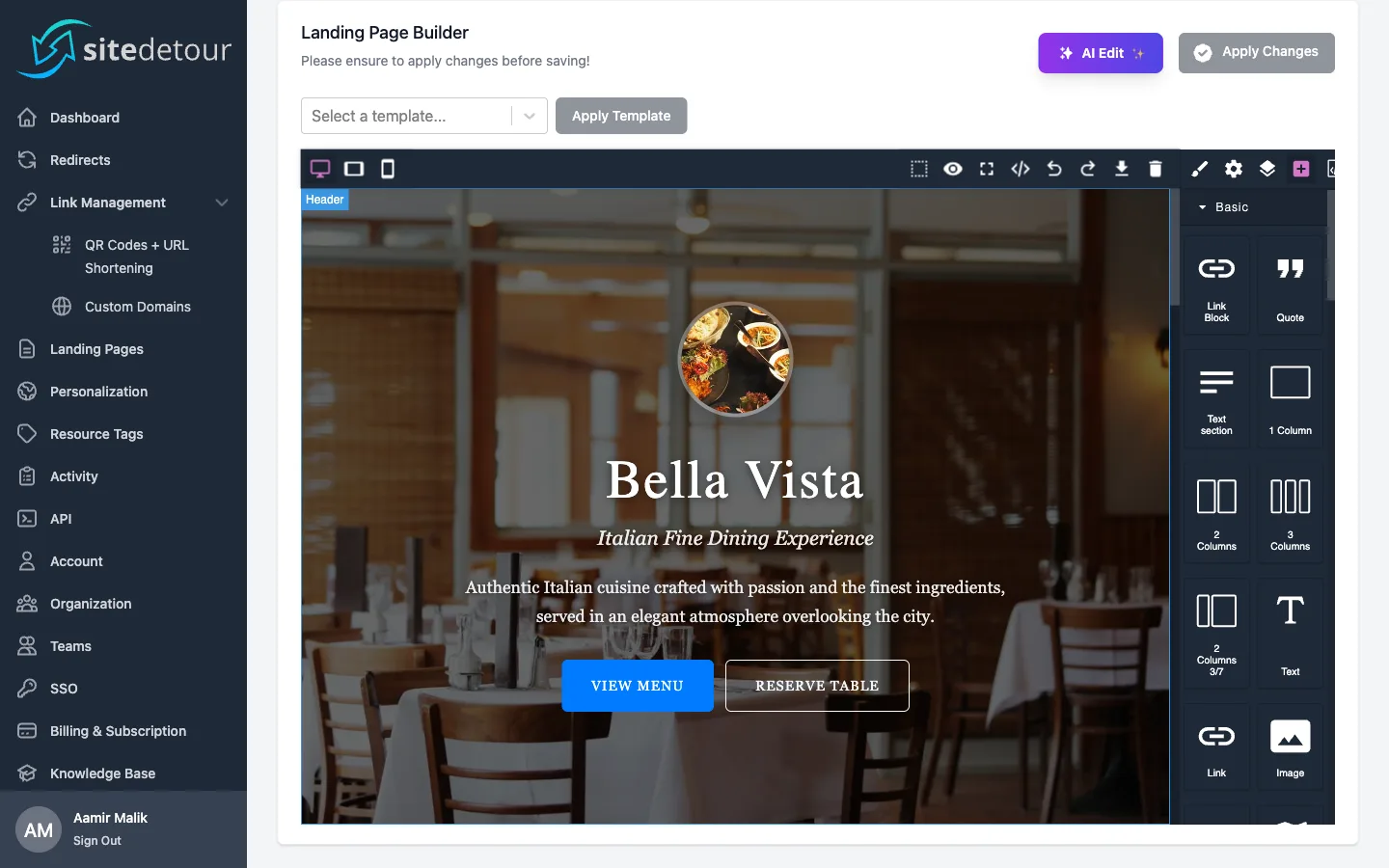
Drag-and-Drop Visual Page Builder
Design pixel-perfect landing pages with our visual editor. Drag and drop text, images, buttons, forms, and grid layouts. Preview your page across desktop, tablet, and mobile devices in real time. Need more control? Switch to the code editor for direct HTML and CSS editing.
Professional Templates, Custom Hosting, and AI Editing
Get started fast with 10 professional templates, host pages on your own domains with automatic SSL, and use AI to edit your pages with natural language — all from one platform.
10 Professional Templates
Hit the ground running with ready-made templates for Link in Bio pages, restaurant menus, portfolios, event pages, and product launches. Each template is fully customizable through the visual builder or AI editor.
Custom Domain Hosting
Host landing pages on your own domains with automatic HTTPS. We provision SSL certificates and handle all the infrastructure, so your pages are always secure, fast, and on-brand.
AI-Powered Editing
Edit your landing pages using natural language. Just describe what you want changed — like "add a pricing table with 3 tiers" or "make the header blue" — and AI applies the changes for you. You can even upload reference images for design inspiration.
How it works
Getting started is quick and easy!
Choose from 10 professionally designed templates — including Link in Bio, restaurant menus, portfolios, event pages, and product launches — or start from a blank canvas.
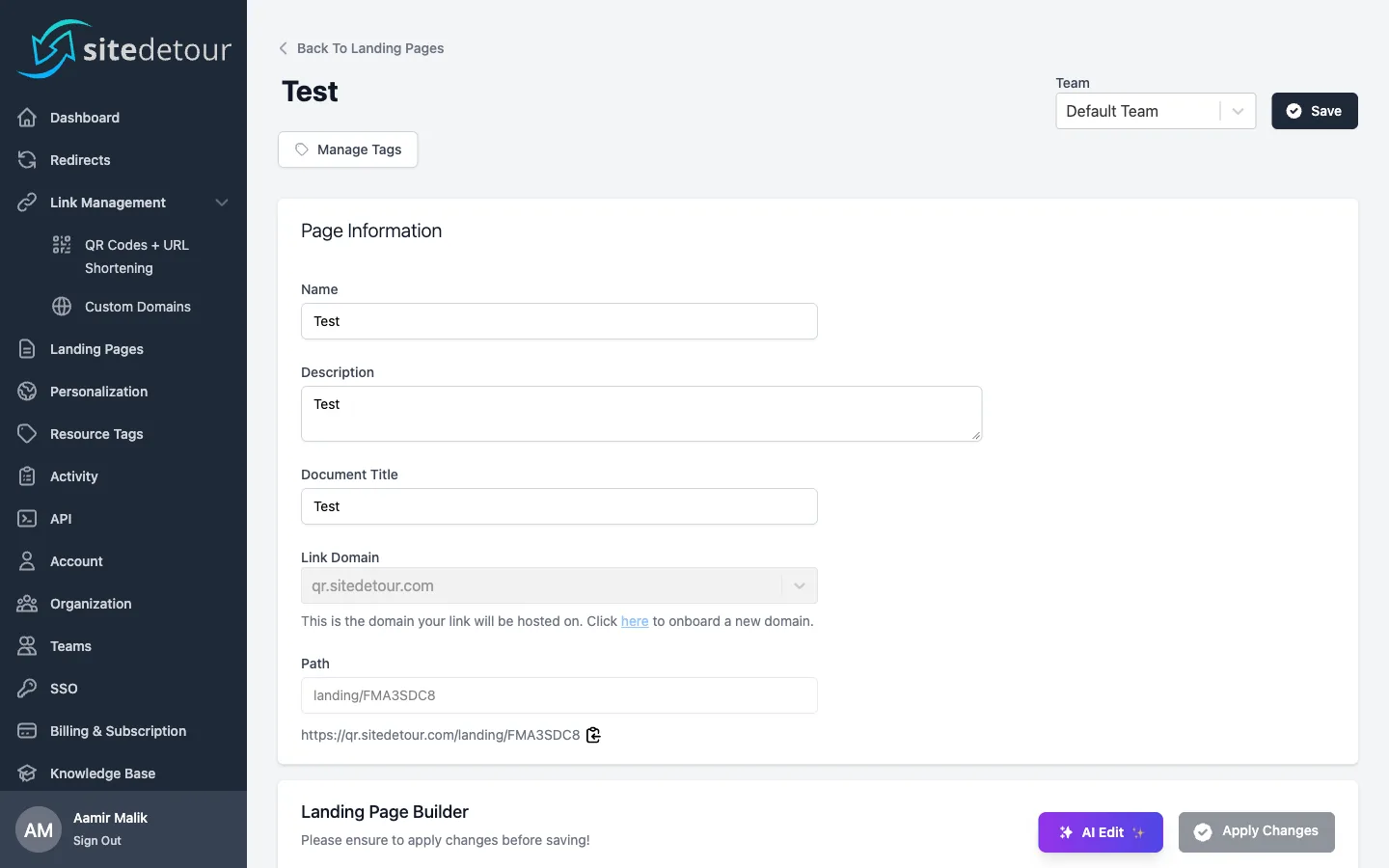
Use our visual builder or AI editor to make it yours!
Drag and drop text, images, buttons, and forms into place. Preview across desktop, tablet, and mobile. Or simply describe your changes in plain English and let AI do the work for you.
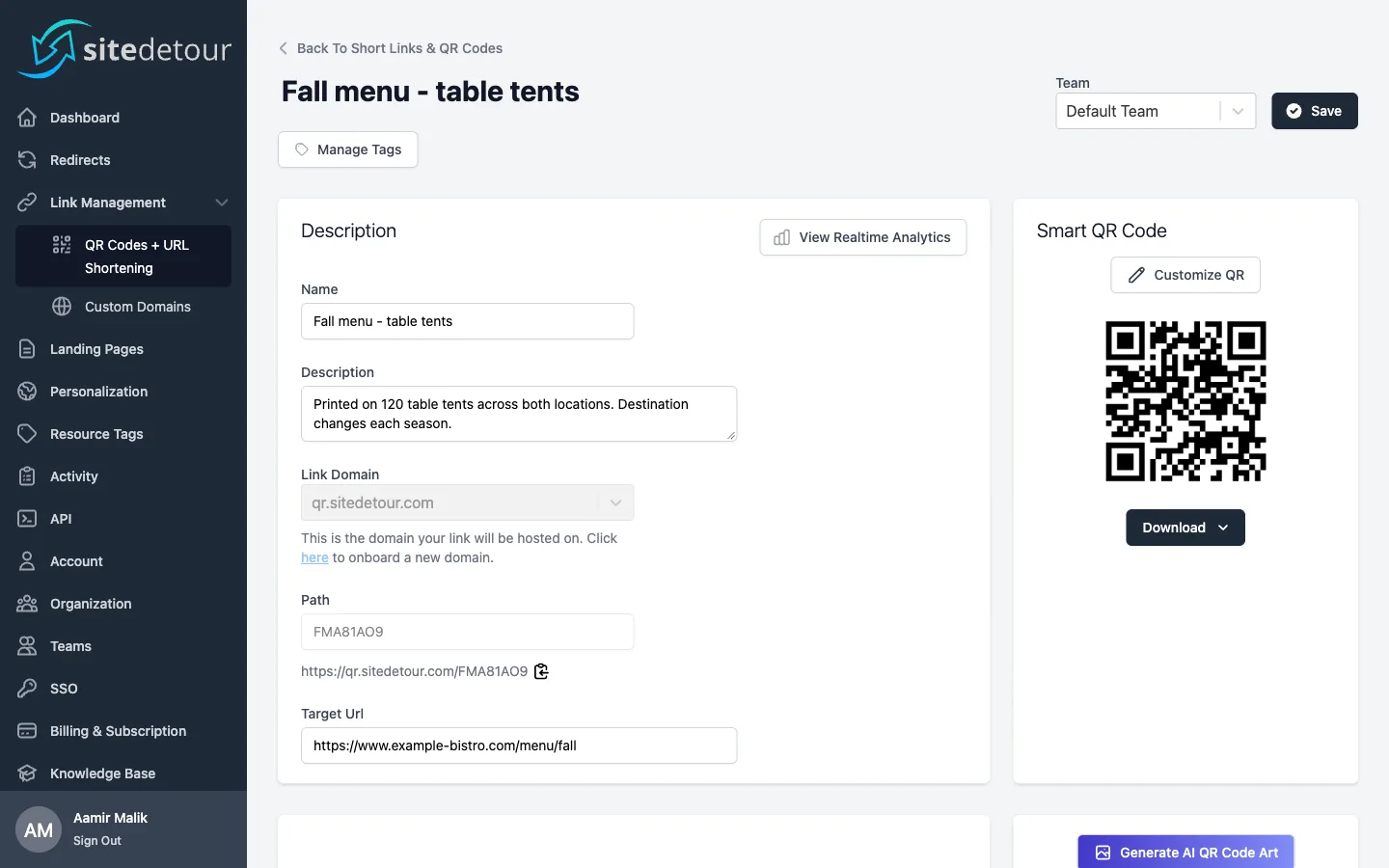
Host your page on your own custom domain.
Select one of your connected domains or use the default SiteDetour domain. We automatically provision an SSL certificate so your landing page is served securely over HTTPS.
Save, share, and update anytime.
Your landing page goes live instantly. Share the link anywhere — in emails, social media, or QR codes. Come back anytime to update content, and changes are reflected in real time.
Full-Suite Support
We offer a full suite of tools to complement your landing pages, including redirects, QR codes, and analytics.

Dynamic QR Code Generation
Ship QR Codes at scale and update their destinations after they’re live.

Real-time User Analytics
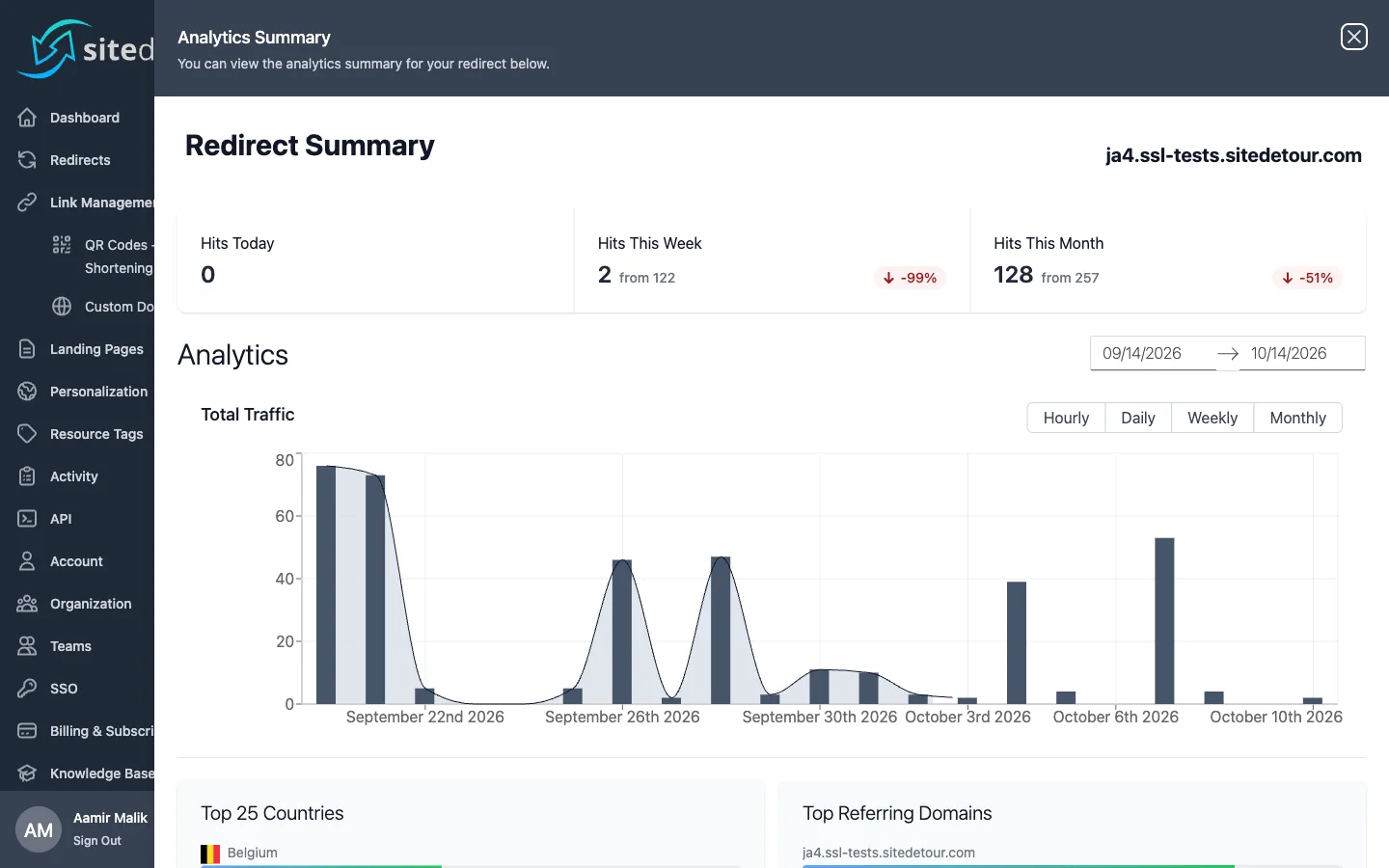
Track and analyze the performance of your Redirects, URLs and QR Codes.

Personalized Destination Targeting
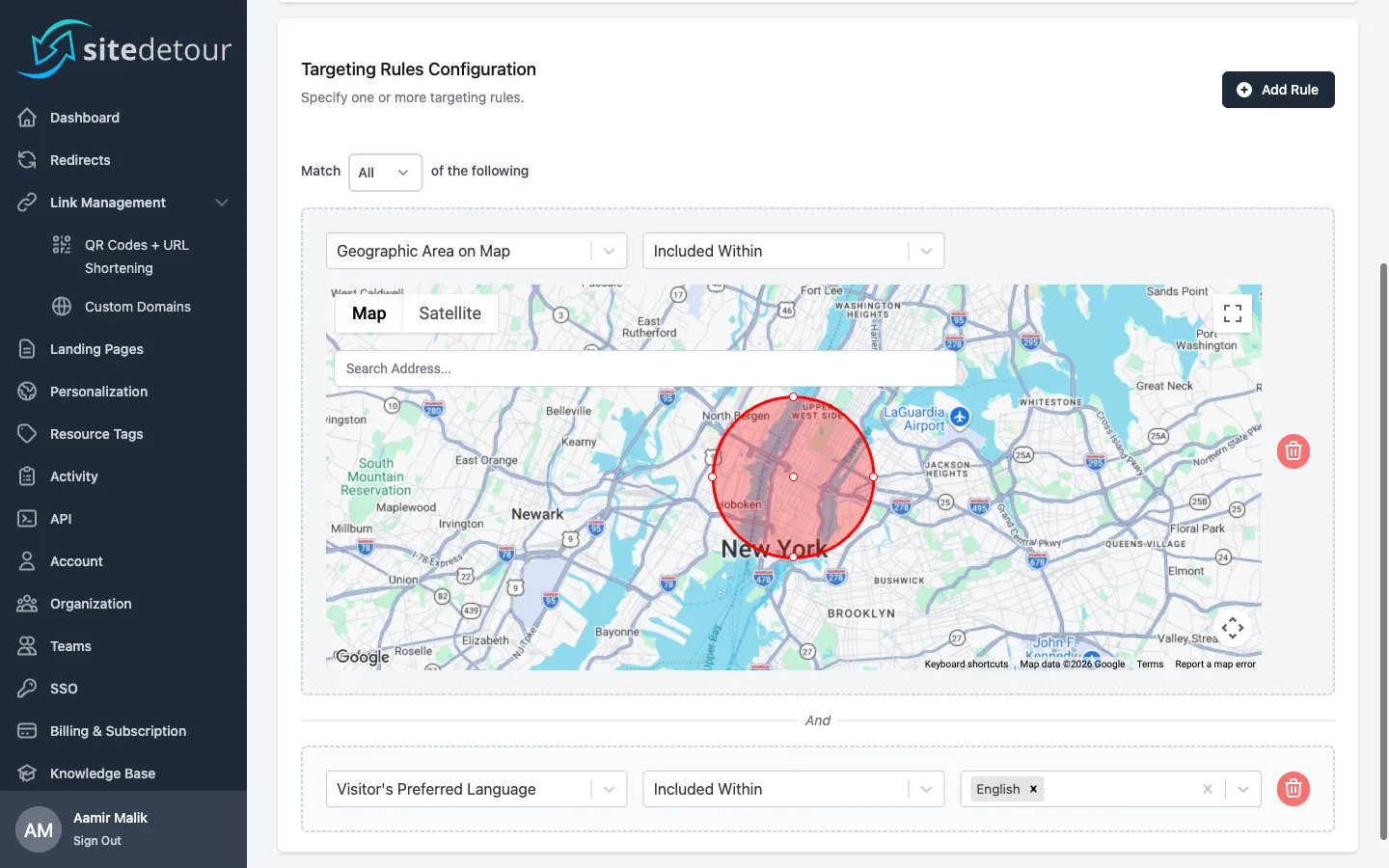
Dynamically direct users to unique locations based on your own targeting criteria and logic.
Build High-Converting Landing Pages with AI and Visual Editing
Choose from professional templates, customize with our drag-and-drop builder or AI editor, and host on your own domain — all in minutes.
Frequently Asked Questions
Find quick answers to common questions about Landing Pages.
Don't see what you're looking for?
Can I update my landing page after it's published?
Absolutely. You can edit your landing page at any time through the visual builder or AI editor. Changes are reflected in real time, so your visitors always see the latest version of your page.
Can I preview my landing page on different devices?
Yes. The visual page builder includes device preview modes for desktop, tablet, and mobile. You can see exactly how your landing page will look on each device before publishing it.
Do I need coding skills to build a landing page?
No coding skills are required. Our drag-and-drop visual builder lets you design pages by placing elements like text, images, buttons, and forms directly on the canvas. You can also use the AI editor to describe changes in plain English. However, if you prefer to write code, you can switch to the built-in code editor for direct HTML and CSS editing.
Can I host landing pages on my own domain?
Yes! You can host landing pages on any of your connected custom domains or use the default SiteDetour domain. We automatically provision SSL certificates for your domains, so your landing pages are always served securely over HTTPS.
How does AI-powered page editing work?
Our AI editor lets you modify your landing pages using natural language. Simply describe the changes you want — for example, "make the header blue and increase the font size" or "add a contact form with name, email, and message fields." You can also upload up to 4 reference images for design inspiration. The AI processes your request and applies the changes automatically.
What templates are available for landing pages?
We offer 10 professionally designed templates across 5 categories:
- Link in Bio — Perfect for social media profiles
- Restaurant Menu — Ideal for food service businesses
- Portfolio — Great for creatives and developers
- Event Landing Page — For conferences and workshops
- Product Launch — For SaaS and physical products
Each template is fully customizable through the visual builder or AI editor, and you can also start from a blank canvas.
What is SiteDetour's Landing Page Builder?
SiteDetour's Landing Page Builder lets you create custom HTML landing pages and host them on your own domains. Use our drag-and-drop visual editor to design pages with text, images, buttons, forms, and grid layouts — or use our AI-powered editor to make changes by describing what you want in plain English.
Get Started With Landing Pages on Your Own Domain
SiteDetour makes it easy to create, customize, and host landing pages on your own custom domains with automatic SSL.
